Finding the right environment
Configuration, accessories and availability have to be pieced together.

Why DevCaleo
DevCaleo makes test benches and engineering workstations available to your team: see availability, book time and work directly on the system via remote desktop. Automate recurring tasks along the way.

The problem
Who booked the bench? How do I connect to the machine? Can a colleague join? When calendars, access and system information live in separate places, coordination takes time away from engineering.
Configuration, accessories and availability have to be pieced together.
Bookings and remote access are arranged separately over email or chat.
Available capacity goes unnoticed while other teams wait for a slot.
Access gets passed on and is rarely taken back.
Colleagues can only watch a screen share; system status and tickets live elsewhere.
Setup, tests and cleanup are started manually each time the system is used.
The solution
From an available time slot to results and logs, every step stays connected to the same system.
Filter by project, hardware, location, and availability.
Choose an available slot and grant access for that period.
Launch remote desktop, SSH, web terminal, or VS Code directly from the booking.
Bring authorized colleagues into the same session with individual permissions.
Schedule preparation, tests, and cleanup or link them to the booking.
Keep status, logs, test results, and tickets connected to the test bench.
Who it is for
Engineering, test management and IT work with the same environment. Tasks and permissions follow each person's role.
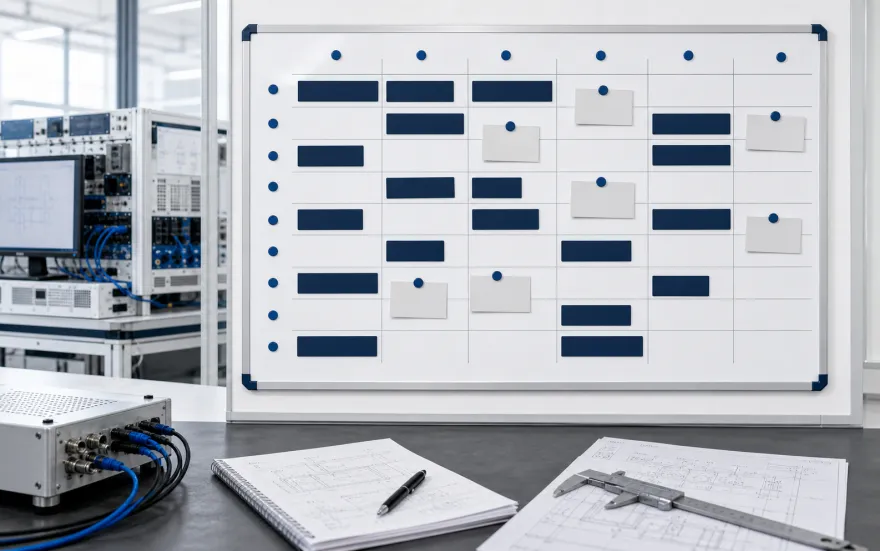
Plan capacity and usage
Sees available and occupied benches, coordinates teams and identifies where existing capacity can be used more effectively.
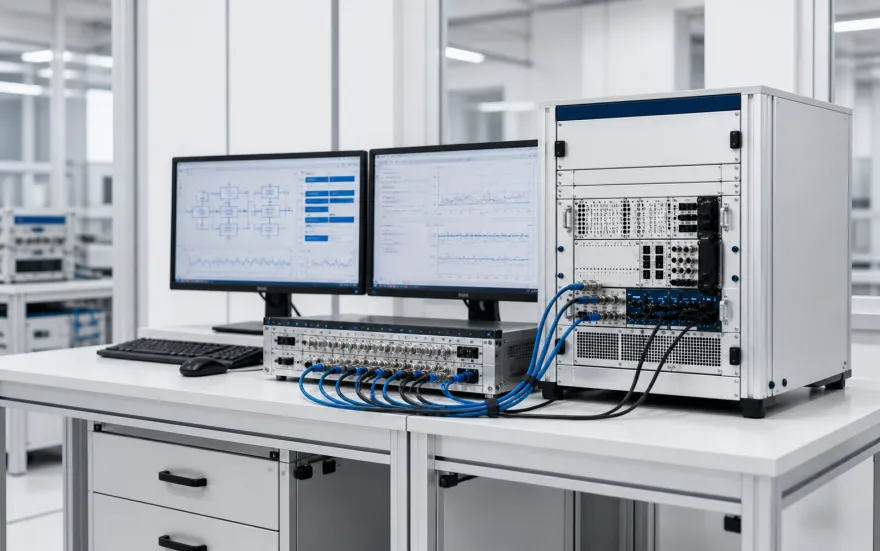
Book and get to work
Books the right machine, opens a remote session and works with the existing tools. Authorized colleagues can collaborate in the same environment.
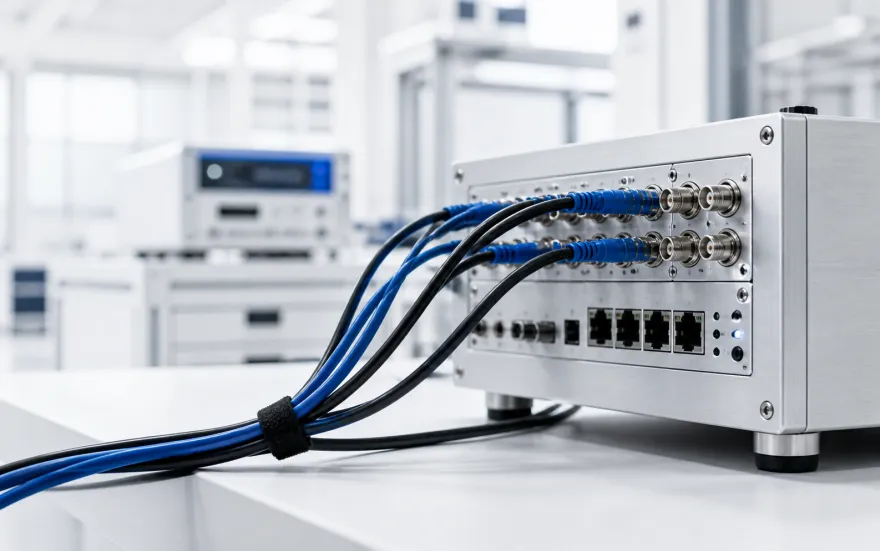
Control access and operations
Manages roles and time-bound access. Access remains traceable, with on-premise deployment available.
After the start
Bookings, sessions and workflows stay connected to the relevant environment.
Getting started
One bench or engineering workstation is enough to start. Set up booking and remote access for your team.
Next step
See how your team books systems, collaborates via remote desktop and automates recurring tasks.